Skip to content

Instantly share code, notes, and snippets.

@slykar
Last active November 5, 2026 02:37
Show Gist options
  • Select an option

  • Save slykar/e92732be9bf81a71e08068245656d70e to your computer and use it in GitHub Desktop.

Select an option

Save slykar/e92732be9bf81a71e08068245656d70e to your computer and use it in GitHub Desktop.
Docker and Docker Compose on AMD OSX Hackintosh via Docker Machine

Introduction

Docker.app will complain about incompatible processor, so we will use Docker Machine.

Instalation

Download Docker for Mac (Docker.app). It contains some binaries that are necessary.

brew install virtualbox docker-machine

# Normally, those links are created automatically by running Docker.app,
# but it quits on us too early, so we need to do this manually
ln -s "/Applications/Docker.app/Contents//Resources/bin/docker-compose" /usr/local/bin/docker-compose
ln -s "/Applications/Docker.app/Contents//Resources/bin/docker-credential-desktop" /usr/local/bin/docker-credential-desktop
ln -s "/Applications/Docker.app/Contents//Resources/bin/docker-credential-osxkeychain" /usr/local/bin/docker-credential-osxkeychain

You can also use brew to install docker and doccker-compose and it should work without linking above.

Running

docker-machine create
eval $(docker-machine env)
docker run hello-world
docker-compose up
@serhiicherepanov

serhiicherepanov commented Apr 28, 2024 •

Copy link
Copy Markdown

@kroegen yes, but only Debian supported by Proxmox VE, or you need to install Proxmox VE directly from the iso. Also, I can recommend check the guides by Nick on him blog https://www.nicksherlock.com/category/proxmox/

@evenlee

evenlee commented Jul 17, 2024

Copy link
Copy Markdown

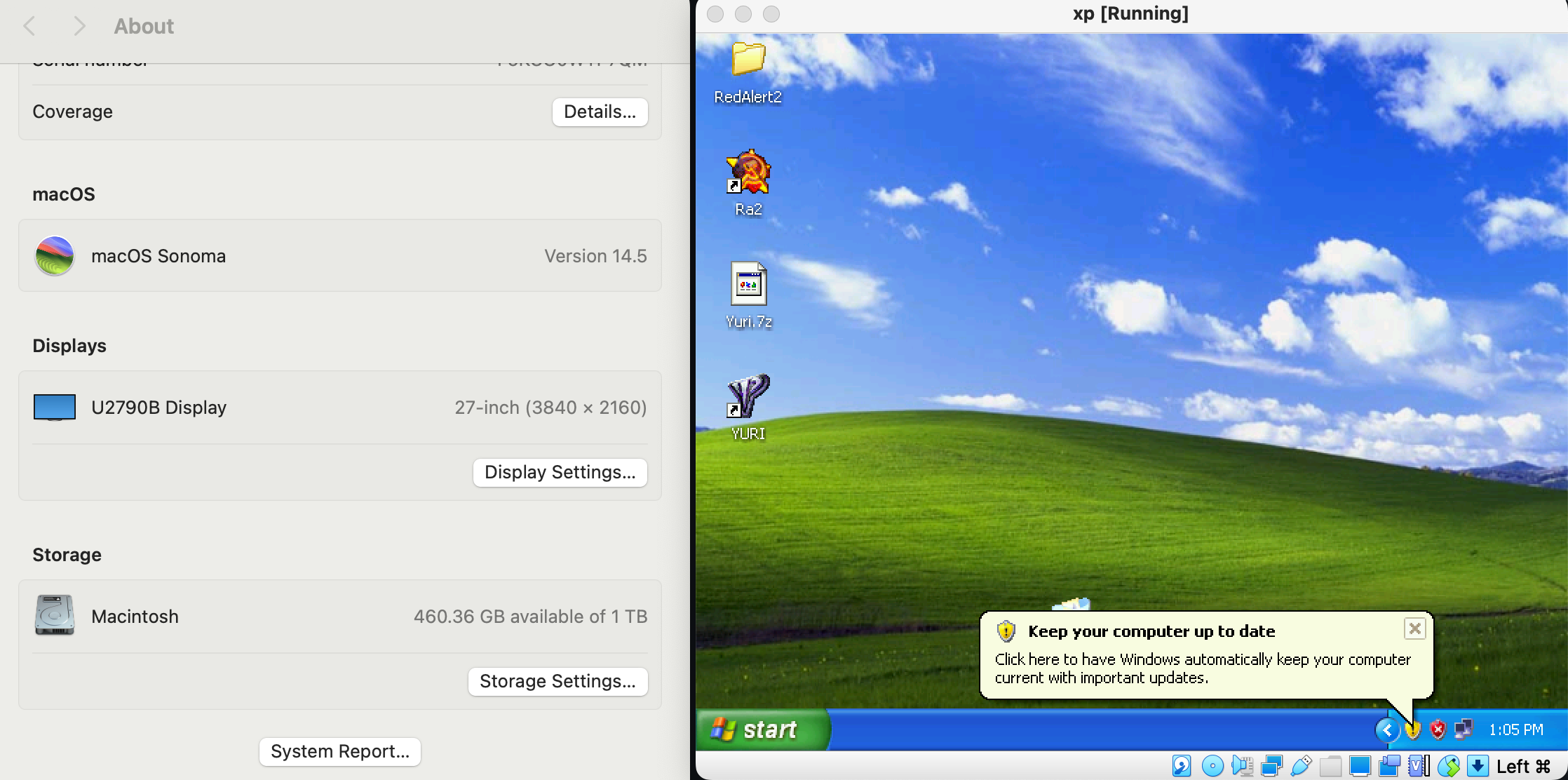
hey guys, with OpenCore-Legacy-Patche, VirtualBox 6.1.x can take another breath on sonoma(14.5 tested), just work as usual.
I just upgraded from Monterey without any issue.
image

@OldDream

OldDream commented Jul 25, 2024 •

Copy link
Copy Markdown

hey guys, with OpenCore-Legacy-Patche, VirtualBox 6.1.x can take another breath on sonoma(14.5 tested), just work as usual. I just upgraded from Monterey without any issue. image

wow!So docker can work?

ghost commented Jul 25, 2024

Copy link
Copy Markdown

@brorbw
Addressing localhost from a VirtualBox virtual machine

@brorbw

brorbw commented Jul 25, 2024

Copy link
Copy Markdown

@Leomin07 I'm going to need a bit more context for that comment.

ghost commented Jul 25, 2024

Copy link
Copy Markdown

@brorbw how to reach application running in minikube at 'localhost' on docker-compose? thank bro.

@evenlee

evenlee commented Jul 26, 2024

Copy link
Copy Markdown

hey guys, with OpenCore-Legacy-Patche, VirtualBox 6.1.x can take another breath on sonoma(14.5 tested), just work as usual. I just upgraded from Monterey without any issue. image

wow!So docker can work?

I didn't use docker machine for a while as it is a bit aged, minkube works fine.

@wenerikk

wenerikk commented Dec 1, 2024

Copy link
Copy Markdown

@brorbw, can you pls advice on this error:
unable to get image 'postgres:14.5-alpine': Cannot connect to the Docker daemon at unix:///var/run/docker.sock. Is the docker daemon running?

commands with docker works (like docker run hello-world) but any call to docker-compose bumps to this error (have installed docker-compose).

@xtaetg

xtaetg commented Apr 3, 2025

Copy link
Copy Markdown

hey guys, with OpenCore-Legacy-Patche, VirtualBox 6.1.x can take another breath on sonoma(14.5 tested), just work as usual. I just upgraded from Monterey without any issue. image

Could you please tell me how you use the OpenCore Patcher? For example, which functions have you enabled?

@brorbw

brorbw commented Apr 3, 2025

Copy link
Copy Markdown

@Leomin07 using minikube localhost won't work. See https://gist.github.com/slykar/e92732be9bf81a71e08068245656d70e?permalink_comment_id=4105556#gistcomment-4105556 for a solution where you can access containers via minikube

@wenerikk I can't help you I switched away from AMD and have no platform to test - sorry :/

@evenlee

evenlee commented Apr 3, 2025

Copy link
Copy Markdown

@xtaetg , I just installed it by the package and all default, no special setting.

@ScaferuZ

Copy link
Copy Markdown

hi there! im in the middle of testing the minikube way using sequoia. has anyone ever tried and been using docker ever since? i will let yall now my results

@AlexDanDuna

Copy link
Copy Markdown

hi there! im in the middle of testing the minikube way using sequoia. has anyone ever tried and been using docker ever since? i will let yall now my results

How did it go? Is the setup hard?

@romaztek

romaztek commented Nov 5, 2026

Copy link
Copy Markdown

If you are on modern macOS on an AMD Hackintosh, VirtualBox and old Docker Machine setups are essentially obsolete and very painful to maintain.
There is a much cleaner, modern solution that uses Colima + QEMU (TCG multi-threaded software emulation), which completely bypasses Apple's Hypervisor.framework and Virtualization.framework (vz):
πŸ‘‰ Original project: https://github.com/osx86-ijb/docker-amd-hackintosh

Note if you run into installation / reboot issues with the original script:
The upstream script currently has a minor bug where colima delete wipes the config file right before booting, causing it to fall back to vz (VZErrorDomain Code=2: Virtualization is not available on this hardware), as well as autostart issues with brew services.
If you hit this, you can check out my fork where these issues are already resolved:
πŸ‘‰ Fork with fixes: https://github.com/romaztek/docker-amd-hackintosh
Tested and confirmed working on:

  • OS: macOS 26.7.1
  • CPU: AMD Ryzen 7 5700X (8-Core)
    Key fixes included in the fork:
  1. Fixed config ordering & fallback: colima.yaml is no longer wiped before start, and explicit --vm-type qemu --cpu-type qemu64 flags are passed to prevent any vz fallback.
  2. Working reboot autostart (com.colima.autostart.plist): brew services start colima fails on AMD because Homebrew's plist uses a hardcoded system PATH without ~/bin (running unpatched QEMU). The fork includes a dedicated LaunchAgent that loads the wrapper and auto-starts Docker on login.
  3. Native Kubernetes (K3s): Works out of the box (colima start --kubernetes), which is vastly faster and lighter than Minikube in DinD.
    Both Docker and Kubernetes run smoothly on AMD Hackintosh this way!

Sign up for free to join this conversation on GitHub. Already have an account? Sign in to comment